Lecteur Verifone M425Version bêta publique
Découvrez comment configurer le lecteur Verifone M425.
Version bêta publique
La prise en charge du lecteur Verifone est en version bêta publique pour les États-Unis et le Canada. Pour rejoindre la version bêta, vous devez contacter l’équipe commerciale pour commande le lecteur concerné.
Le M425 est un lecteur intelligent basé sur Android pour un usage sur le plan de travail. Le SDK Stripe Terminal se connecte à ce lecteur via Internet ou LAN. Ce lecteur est compatible avec les intégrations suivantes :
- SDK JavaScript
- SDK iOS
- SDK Android
- SDK React Native
- Piloté par le serveur
Pour le M425, nous recommandons l’intégration pilotée par serveur, qui utilise l’API Stripe plutôt qu’un Terminal SDK. Pour consulter les composants et fonctionnalités du lecteur, consultez lafiche produit M425.
Allumer et éteindre le lecteur
Branchez le lecteur M425 à l’alimentation en connectant le câble USB-C fourni au port situé sur l’arrière du lecteur. Branchez l’autre extrémité du câble au dongle et à l’adaptateur secteur fourni, puis connectez-le à une prise électrique. Le M425 nécessite 100-240 V AC pour fonctionner correctement. Nous recommandons d’utiliser les adaptateurs et câbles Verifone pour utiliser le M425. L’utilisation d’adaptateurs ou de câbles non conformes peut entraîner des dysfonctionnements et annuler la garantie du produit.
Pour allumer l’appareil, appuyez et maintenez le bouton d’alimentation pendant environ 2 secondes jusqu’à ce que l’écran LCD s’allume. Le bouton d’alimentation se trouve à l’arrière gauche du lecteur. Pour éteindre l’appareil, appuyez et maintenez le bouton d’alimentation pendant environ 5 secondes.
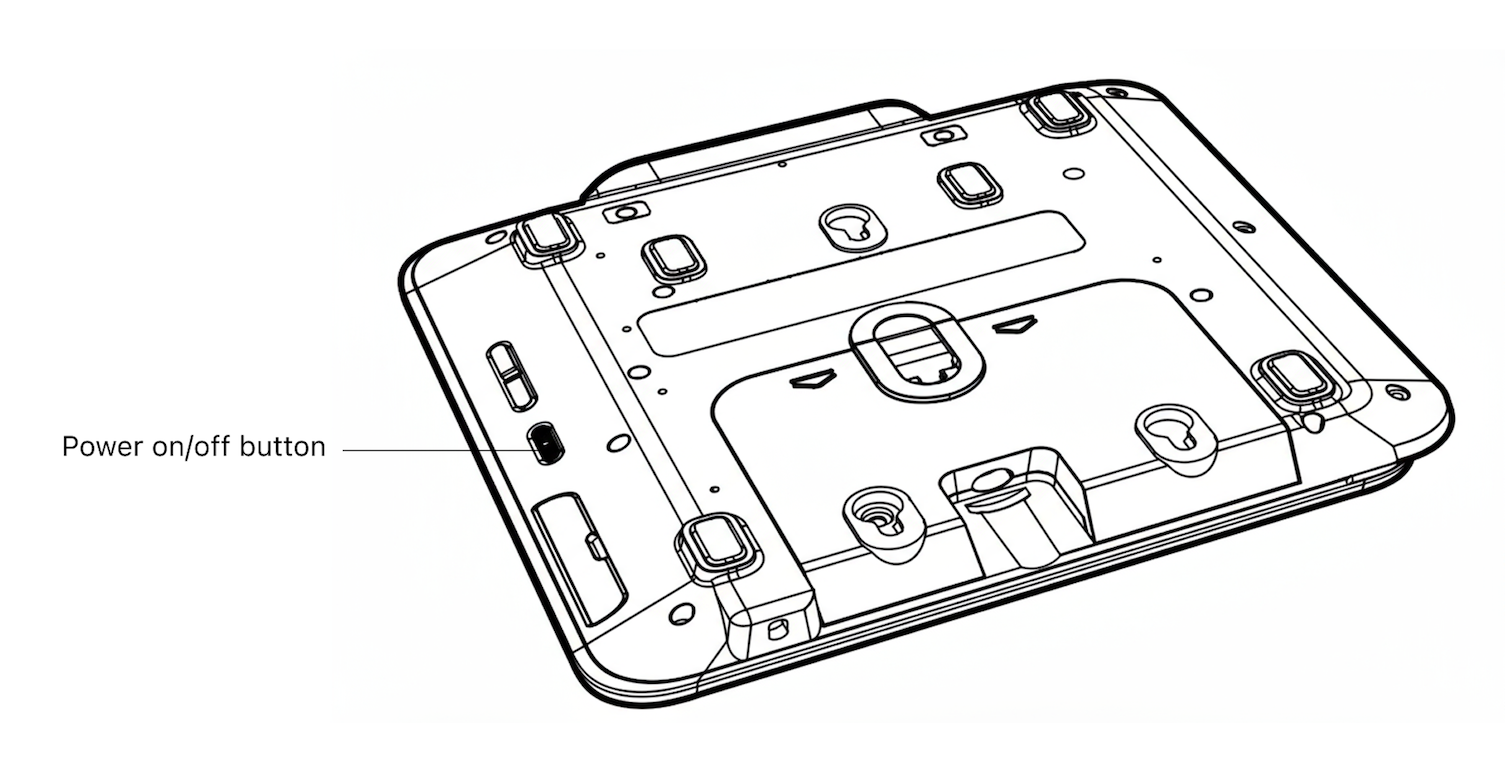
Bouton d’alimentation
Accéder aux paramètres
Pour ouvrir le menu des paramètres, glissez vers la droite à partir du bord gauche de l’écran du lecteur pour afficher un bouton Paramètres. Appuyez sur le bouton Paramètres et entrez le code PIN administrateur07139. À partir de là, vous pouvez mettre à jour vos paramètres WiFi ou générer un code d’appariement pour l’enregistrement de l’appareil. Pour fermer le menu des paramètres, touchez la flèche arrière en haut à gauche.
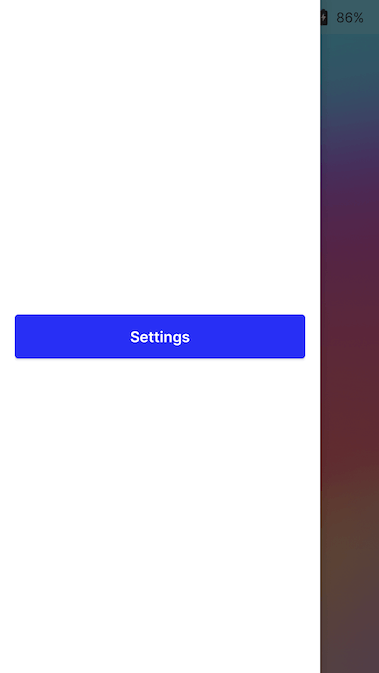
Bouton Paramètres
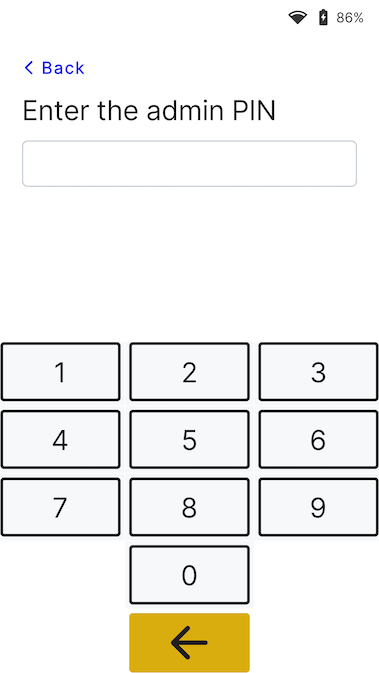
Écran de saisi du code PIN administrateur
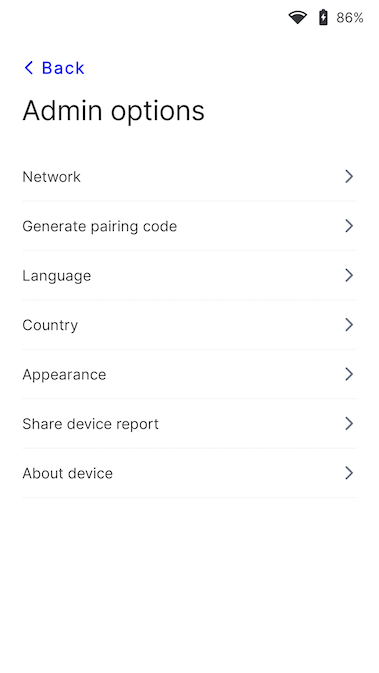
Menu Paramètres
Connecter le lecteur à Internet
Comme le M425 est un lecteur intelligent, son logiciel communique directement avec Stripe. Votre application de point de vente communique avec le lecteur soit via un réseau local (LAN) en utilisant un Terminal SDK, soit via Internet grâce à l’intégration pilotée par le serveur.
Pour communiquer avec le lecteur via le LAN, vous devez le connecter au même réseau local que votre application de point de vente. Si vous rencontrez des problèmes de connexion à Internet, consultez le guide de dépannage M425.
Wi-Fi
Pour vous connecter au WiFi ou changer de réseau, accédez aux paramètres réseau et WiFi, choisissez le réseau, et connectez-vous. Tenter de rejoindre un nouveau réseau déconnecte le lecteur de toute connexion sans fil existante. Pour en savoir plus sur les réseaux WiFi pris en charge, voir Exigences réseau.
Ethernet
La connectivité Ethernet nécessite l’adaptateur Orange, qui fournit une connectivité Ethernet filaire 10/100.
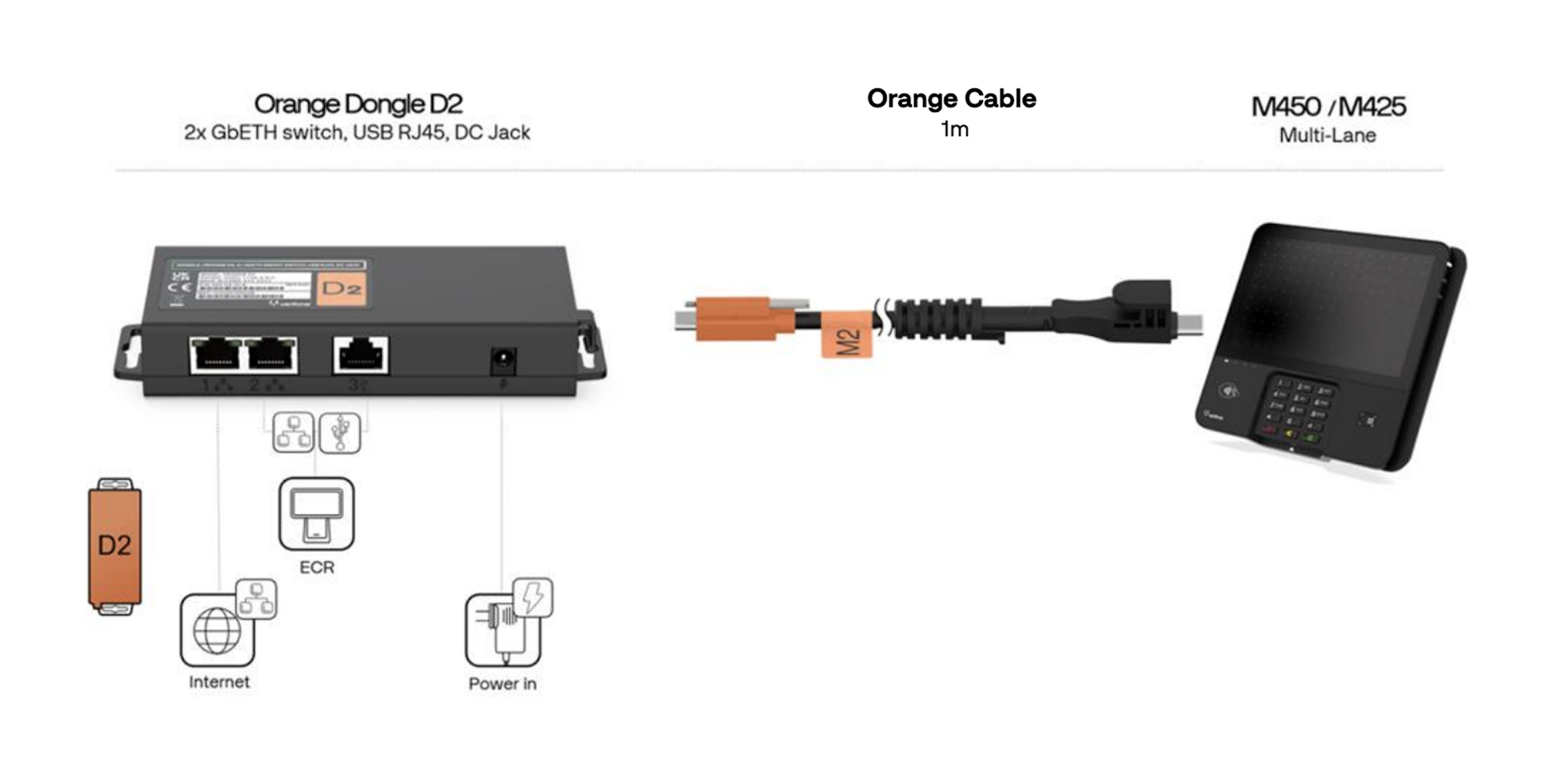
Dongle et câble M425
Modifier l’apparence de l’interface utilisateur
Par défaut, l’interface utilisateur du lecteur P630 utilise un thème clair.

Écran de bienvenue
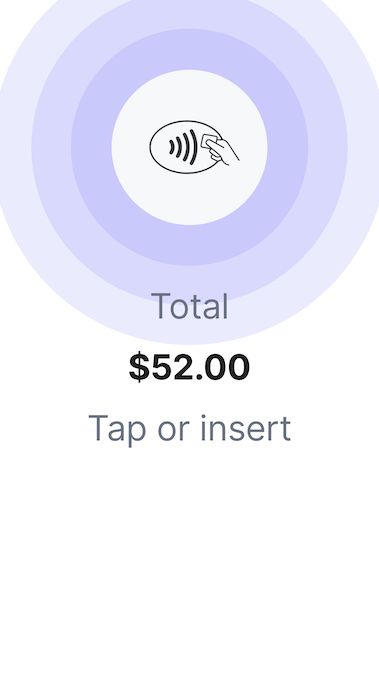
Écran de paiement
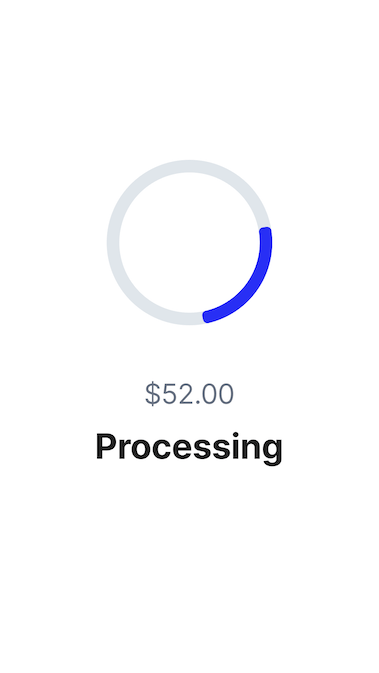
Écran de traitement
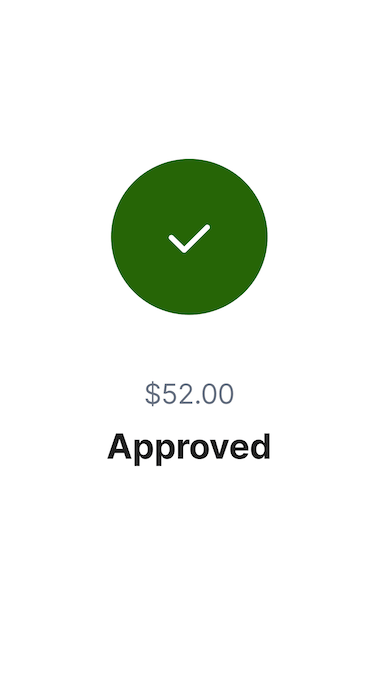
Écran de validation
Vous pouvez modifier l’apparence de l’interface utilisateur en optant pour un thème différent. Pour cela, accédez au menu Paramètres, sélectionnez Apparence, puis choisissez un nouveau thème dans le menu déroulant.
Menu Paramètres
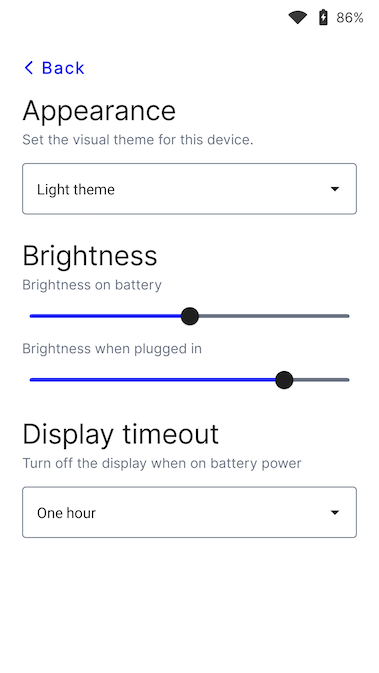
Menu Apparence
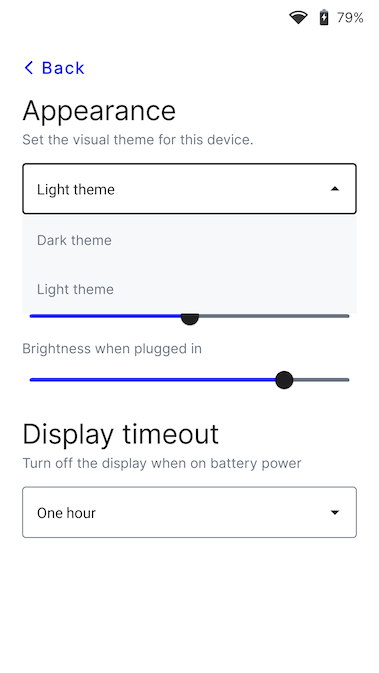
Menu Thème
Modifier la langue par défaut du lecteur
Accédez aux paramètres, puis aux réglages de langue. Sélectionnez la nouvelle langue et confirmez le changement. Un redémarrage de l’appareil peut être nécessaire pour que la modification soit prise en compte.